
Cyclework FAQ (ENG)
Getting Started
What is Cyclework?
Cyclework is a smart focus timer designed to help you stay productive and maintain a healthy work-life balance.
It uses the Pomodoro technique to break your work into focused intervals separated by short breaks, helping you avoid burnout.
What makes it different from other timers?
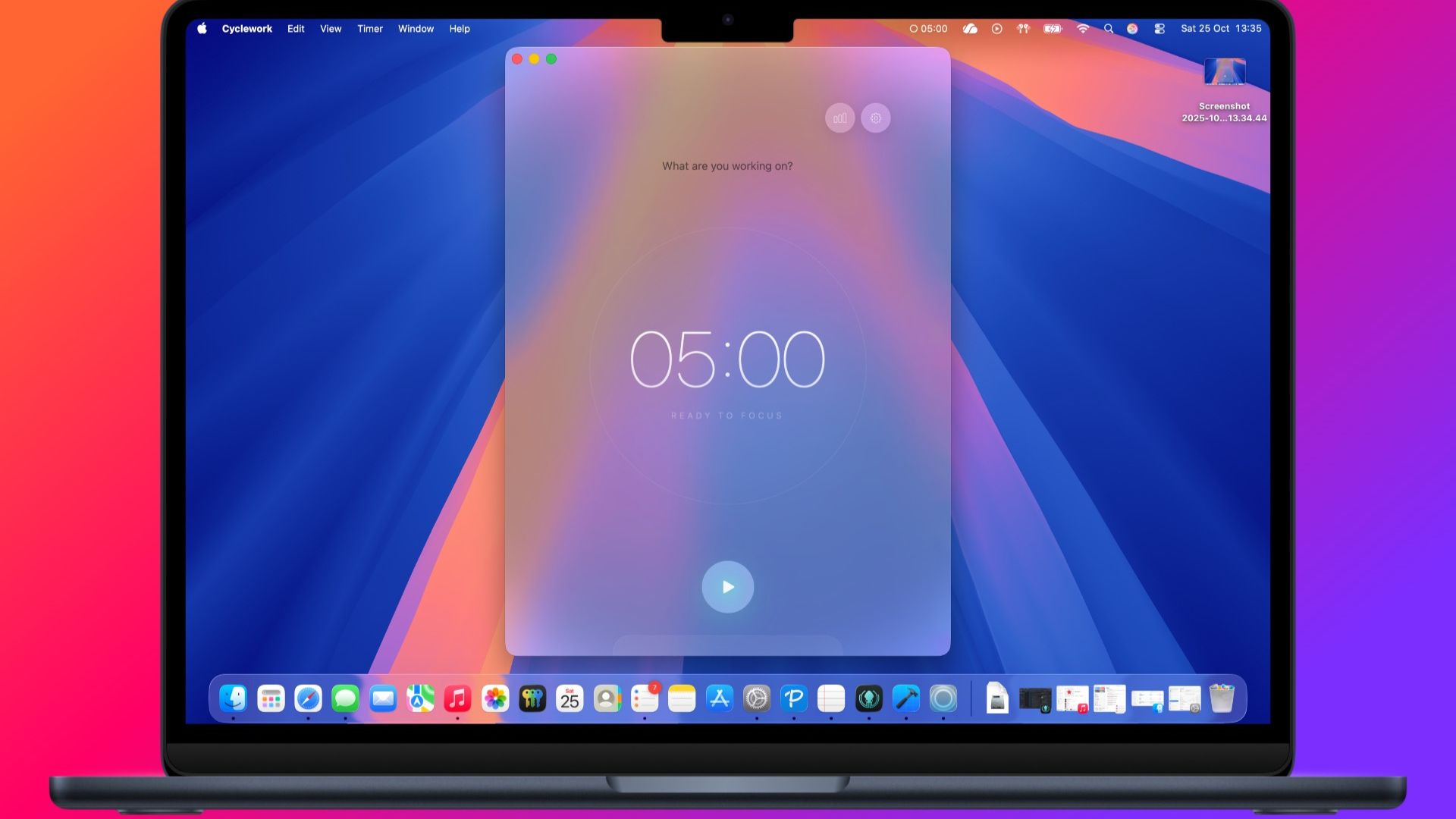
We’ve designed Cyclework to be part of your macOS environment, not just another window.
It features a beautiful Glassmorphism design, a Mini Window that floats above your work, and a powerful "Focus Shield" to block distracting apps while you concentrate.
Is it complicated to use?
Not at all!
Just hit "Start" to begin a focus session.
The app will automatically guide you through your focus time, short breaks, and long breaks.
You can customize the durations in Settings if the default 25/5 minute split doesn't fit your style.
Features & Usage
What is "Commitment Mode"?
Sometimes we need a little extra discipline.
When you enable Commitment Mode in Settings, the app prevents you from pausing or resetting the timer during a focus session.
It's perfect for those times when you really need to power through.
How does "Focus Shield" work?
Focus Shield helps you eliminate distractions.
You can select specific apps (like social media or messaging apps) to be blocked.
If you try to open them while the timer is running, Cyclework will instantly hide them and bring you back to your focus session.
Tip: You can choose to block apps from a list of running applications or scan your installed apps.
What is the "Mini Window"?
The Mini Window is a compact, circular timer that stays on top of your other windows.
It allows you to see your remaining time at a glance without cluttering your screen. Hover over it to reveal controls like Pause or Reset.
Can I track my progress?
Absolutely!
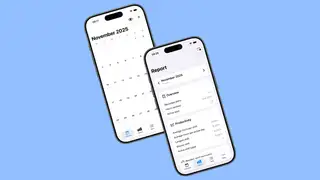
The Statistics view gives you a detailed breakdown of your productivity.
You can see your daily focus time, completed sessions, and even a history of your past work.
We use local charts to visualize your performance over the week, month, or year.
Integrations
How do I sync with Todoist?
Go to Settings > Integrations and click "Connect" next to Todoist.
You'll be asked to log in to your Todoist account.
Once connected, your tasks will appear right inside Cyclework, allowing you to start a timer directly for a specific task.
Can I use Apple Reminders?
Yes! Cyclework integrates natively with Apple Reminders.
Just grant access when prompted, and your reminders will be available in the task list.
What is Calendar Sync?
If you enable Calendar Sync in Settings > Integrations, Cyclework can create an event in your chosen calendar every time you complete a focus session.
This is a great way to keep a "time log" of exactly when you were productive.
Troubleshooting
Why isn't Calendar Sync working?
Please ensure you have granted Cyclework permission to access your Calendar.
- Open macOS System Settings.
- Go to Privacy & Security > Calendars.
- Ensure the toggle for Cyclework is turned ON.
Focus Shield isn't blocking my apps!
For Focus Shield to work, Cyclework needs to know when other apps are active.
- 1. Ensure the app you want to block is actually added to your "Blocked List" in Settings > App Blocking.
- 2. If it still doesn't work, try restarting Cyclework to refresh its monitoring permissions.
I’m not receiving notifications.
Make sure your "Do Not Disturb" or "Focus" mode on macOS isn't silencing them.
You can also check System Settings > Notifications > Cyclework to ensure banners and sounds are allowed.
How do I reset my data?
If you want a fresh start, go to Settings > Advanced.
You can choose to "Clear History" to remove your session logs or "Reset All Settings" to restore the app to its factory defaults.
Warning: This cannot be undone!
Still have questions? Feel free to contact me via the Contact section!