Gameplay
Q: How do I play Stack&Math?
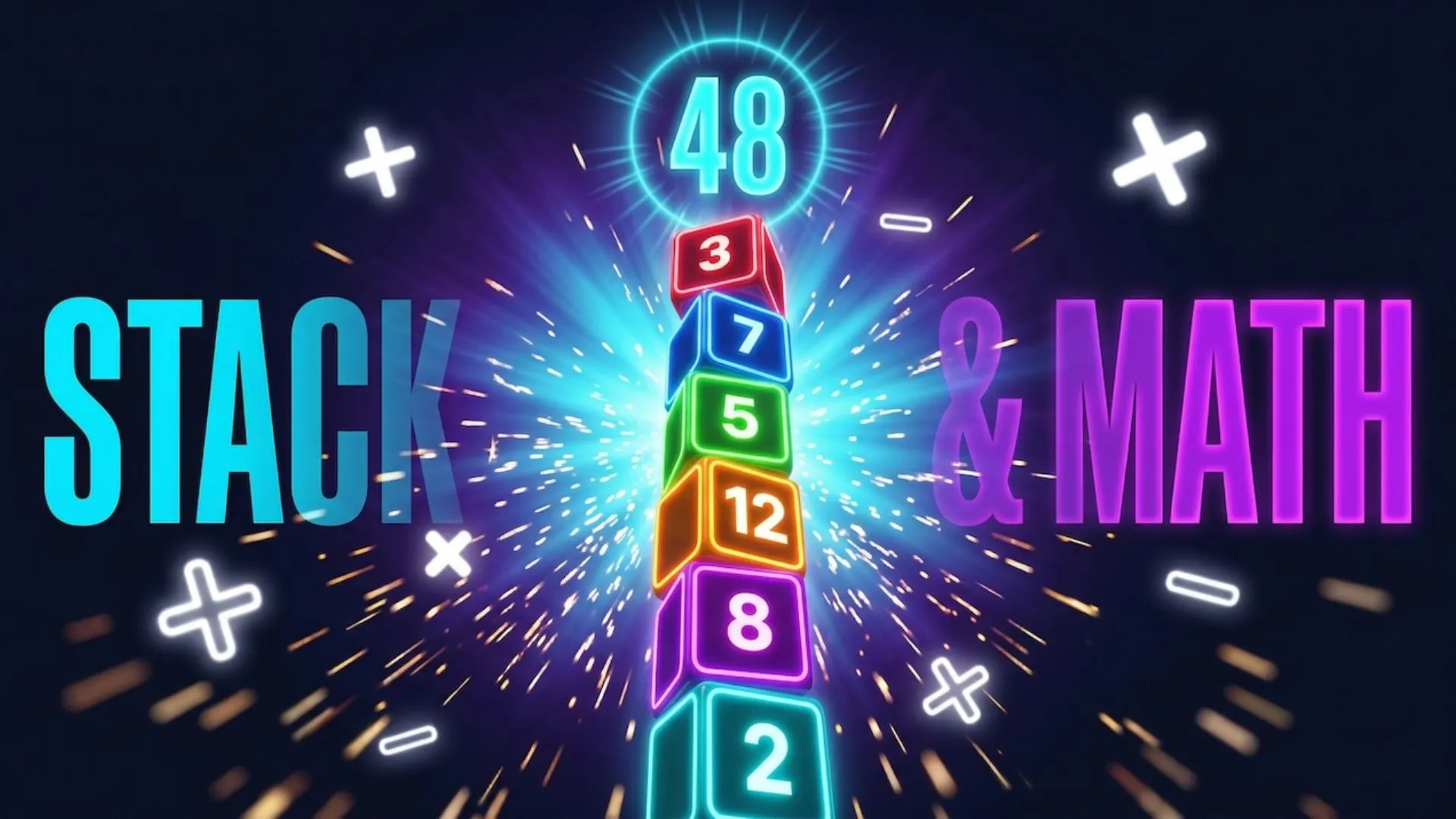
Blocks fall from the top of the screen one at a time. Tap the screen to stack the current block. Your goal is to reach exactly the target number shown at the top. If you exceed the target or make an invalid move, you lose a life. You have 3 lives per game.
Q: What happens if I don’t tap a falling block?
You don’t always lose a life. Stack&Math uses a Strategic Discard mechanic: you only lose a life if the block you let fall would have completed your target exactly. All other blocks can be safely ignored. Choose wisely.
Q: How does Add Mode work?
You start from zero and stack blocks to grow your sum. You must hit the target number exactly — going over costs a life. This is the base mode, active from level 1.
Q: How does Subtract Mode work?
You start from a value higher than the target and count downward by stacking blocks. If your sum drops below the target, you lose a life. This mode unlocks around level 3.
Q: What is “Factor Hunting” in Multiply Mode?
In this mode, active from level 7 onwards, you can only stack blocks whose value is an exact factor of your current target. For example, if the target is 24 and your current sum is 4, you can only safely stack blocks that divide 24 exactly (2, 3, 6…). Any other block is a trap — stacking it costs a life.
Q: How does the Combo system work?
Stack a block within 3 seconds of the previous stack and your combo multiplier grows. The faster you play, the higher the multiplier climbs and the more points you earn. The combo resets if you wait longer than 3 seconds between stacks.
Q: Does the game get harder over time?
Yes. Block falling speed increases by 0.1x per level. Targets also grow larger: below level 5 they scale gradually, and past level 10 they can exceed 100. Operators shift procedurally but deterministically — each level always has the same operator sequence, making the challenge consistent but demanding.
Q: How is the score calculated?
Each time you complete a level you earn (target value × 10) + (combo count × 50) points. Winning in combo gives a significant bonus — keeping your multiplier high is the most effective way to climb the highscore.
Q: Can I replay the tutorial?
Yes. From the main menu, tap the question mark icon in the top-right corner to restart the tutorial from the beginning.
Audio and Feedback
Q: How do I mute the music or sound effects?
From the main menu, tap the volume icon in the top-right corner. This mutes both the background music and all sound effects. The setting is saved automatically — it will be remembered the next time you open the app.
Q: Why does my phone vibrate during gameplay?
Stack&Math uses haptic feedback for every interaction: a light pulse for normal stacks, medium for combos, heavy for game over, and an error impulse for invalid moves. It’s an intentional part of the game experience.
Q: Does the audio keep playing when I leave the app?**
No. Stack&Math automatically detects when the app moves to the background and pauses the music. When you return, audio resumes exactly where it left off.
Data and Progress
Q: Where is my highscore saved?
Your highscore is saved locally on your device using system preferences. It is not uploaded to any external server and does not require an account.
Q: Will I lose my highscore if I uninstall the app?
Yes. Since data is stored locally on your device, uninstalling the app will erase your record. We recommend noting your highscore before uninstalling.
Q: Does the game work offline?
Yes, the core gameplay works completely offline. An internet connection is only needed for loading advertisements. If you’re offline, the game runs normally without ads.
Advertising
Q: Is the game really free?
Yes, Stack&Math is completely free to play. The game is supported by advertising (banner and interstitial ads) provided by Google AdMob.
Q: On iOS, why does the app ask for tracking permission?
On iPhone and iPad, Apple’s ATT (App Tracking Transparency) framework requires every app to ask for consent before showing personalized ads. You can safely decline — you will still see ads, just not personalized ones. Your choice has no effect on gameplay whatsoever.
Technical Issues
Q: The game freezes or behaves unexpectedly. What should I do?
Try fully closing the app and reopening it. If the problem persists, make sure you have the latest version installed from the App Store or Google Play. If it continues, please contact us with your device model and OS version so we can investigate.
Q: Haptic feedback isn’t working on my device.
** Haptic feedback requires compatible hardware. On iPhone, it is available from iPhone 7 onwards. On some Android devices, advanced haptic feedback may not be supported depending on the manufacturer.
Still have questions? Feel free to contact me via the Contact section!